Homepage banner images
Example duotone banner including fade to solid colour:

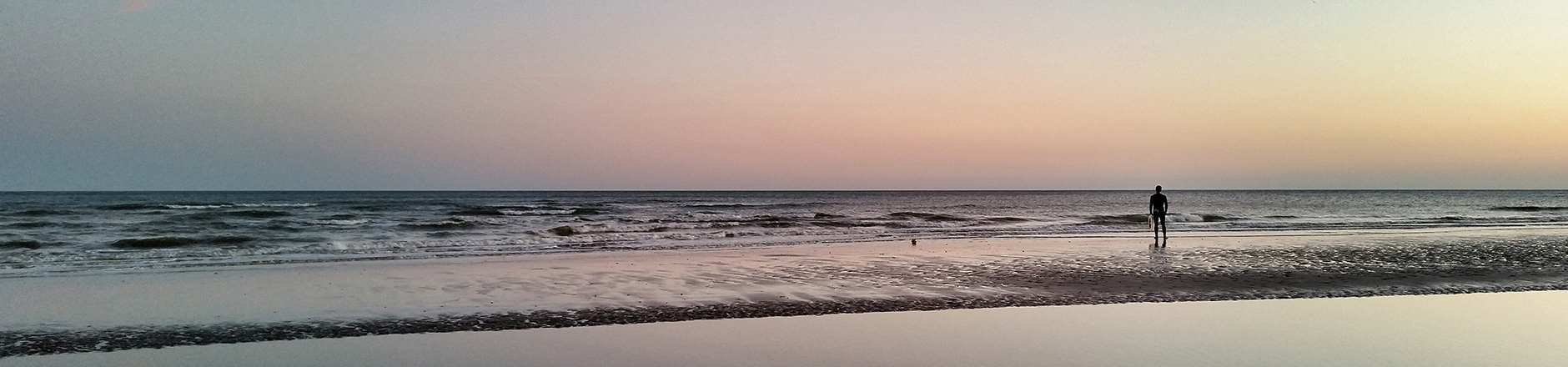
Example photographic banner, CSS colour fades may be applied in Drupal:
Uploading a banner to Drupal
1) Define background colour - Enables horizontal bleed into solid colour on wider screens. Choose from a pre-defined colour palette.
2) Prepare and upload banner image
Can be created from a standard photo or using the Photoshop templateDownload icon which already includes colour fades and duotone effects.
3) Optional CSS Colour fades
Apply additional colour fades in Drupal where legibility needs to be improved.
Duotone effects
Download photoshop templateDownload icon 1880px x 430px
The photoshop template contains:
- Burgundy duotone: Background colour: #9b0064
- Green duotone: Background colour: #99cc33
- Blue duotone: Background colour: #3399ff
- Black: Background colour: #000000
- Photo (no fade): Background colour: #FAFAFA